Focus assistant tool for workspaces
concept
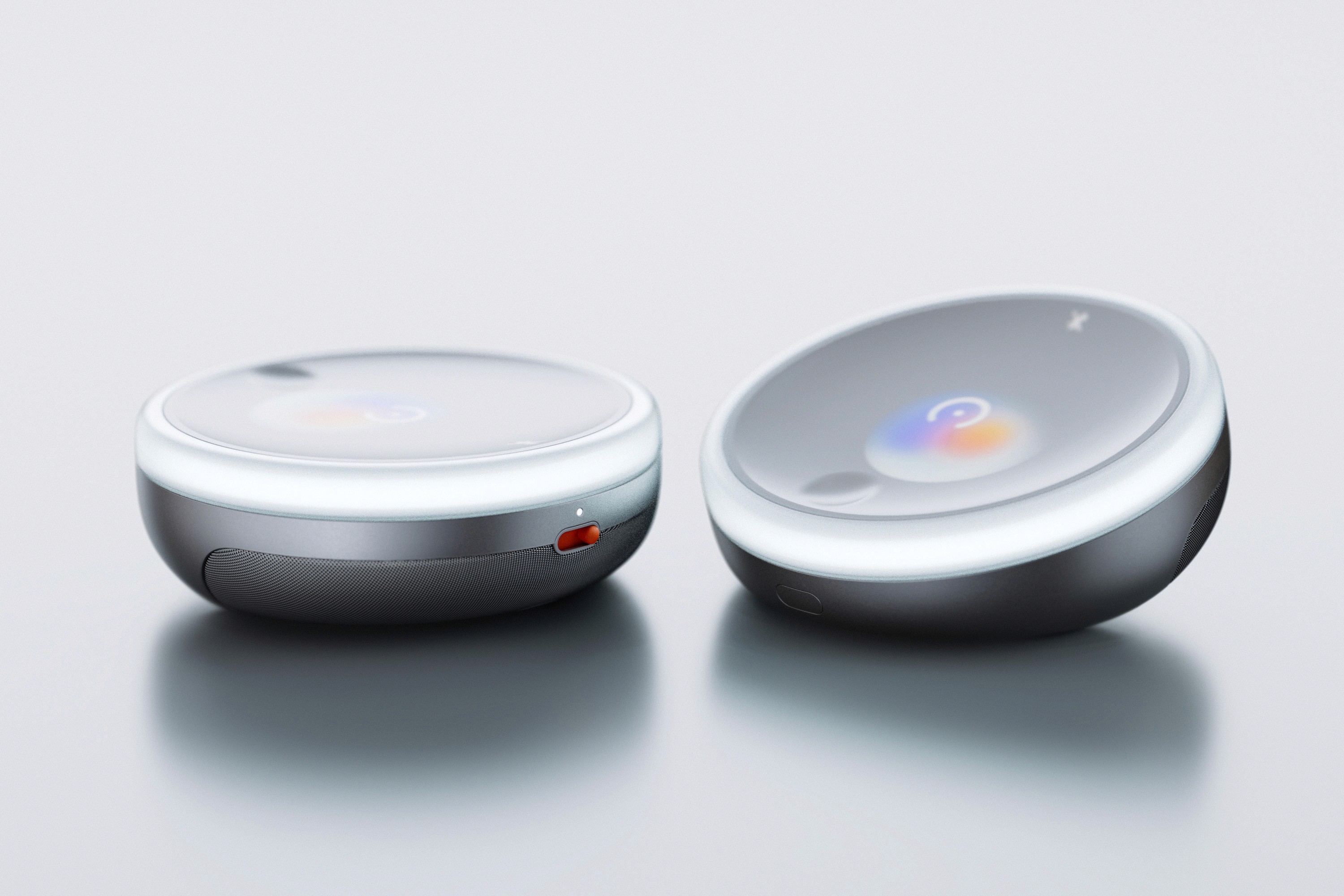
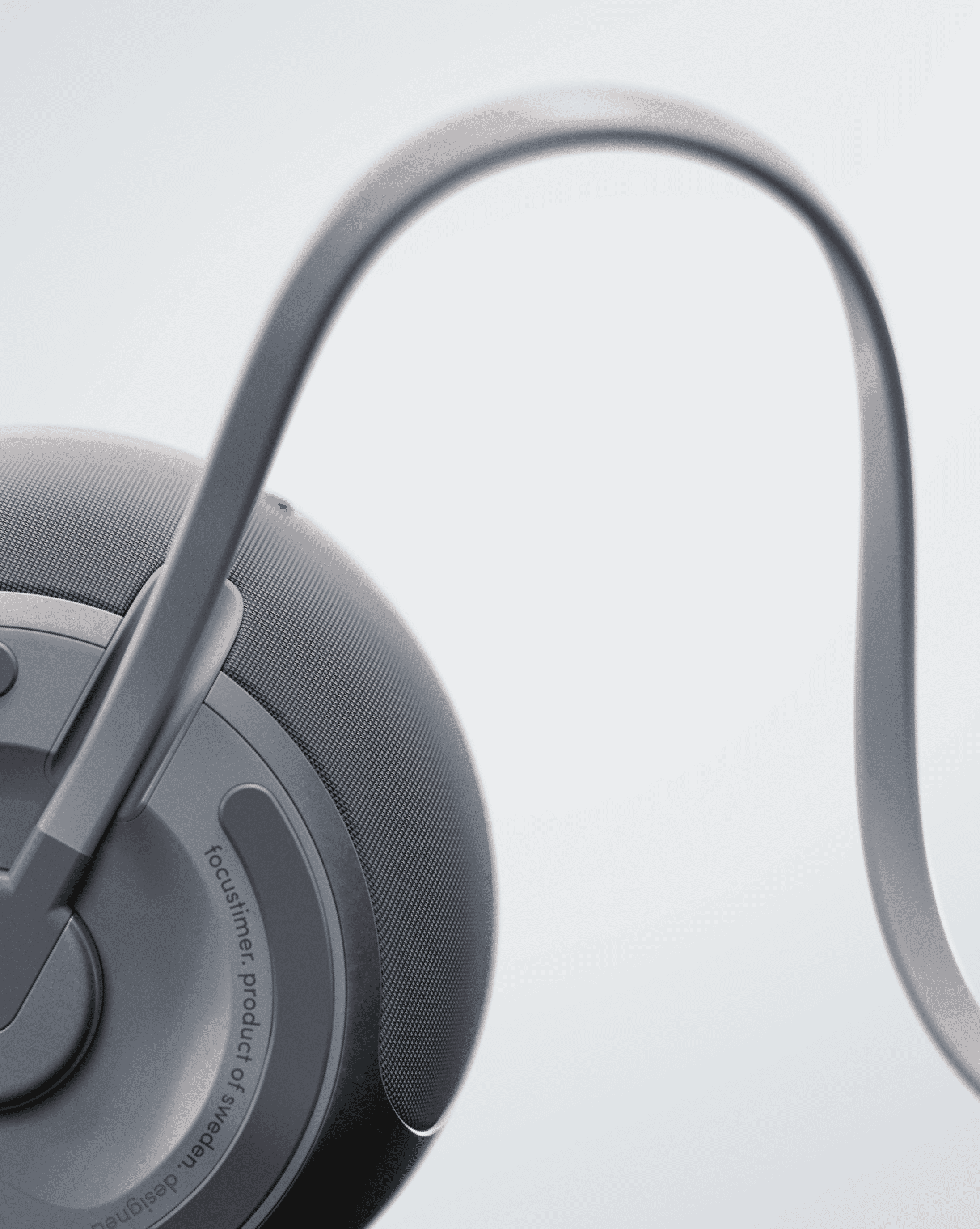
SOUNE is a desk companion with a subtle, non-intrusive interface that helps you plan and protect your focus time at work. By creating clear moments of concentration within open workspaces, SOUNE helps minimize distractions and improve productivity during everyday tasks.
info
Umeå Institute of Design
Einride
Cosima Pauli
Nicolò Vincenzi
2023
3 weeks
Context
Open workspaces are inspiring — but not always focus-friendly
Visual and digital distractions make it hard to protect focus, especially when our availability isn't clearly communicated. We wanted to help people working in shared spaces focus without isolating themselves.
higher risk of exhaustion and burnout
*The Cost of Interrupted Work, Gloria Mark
reduced work satisfaction
*The Cost of Interrupted Work, Gloria Mark
Solution
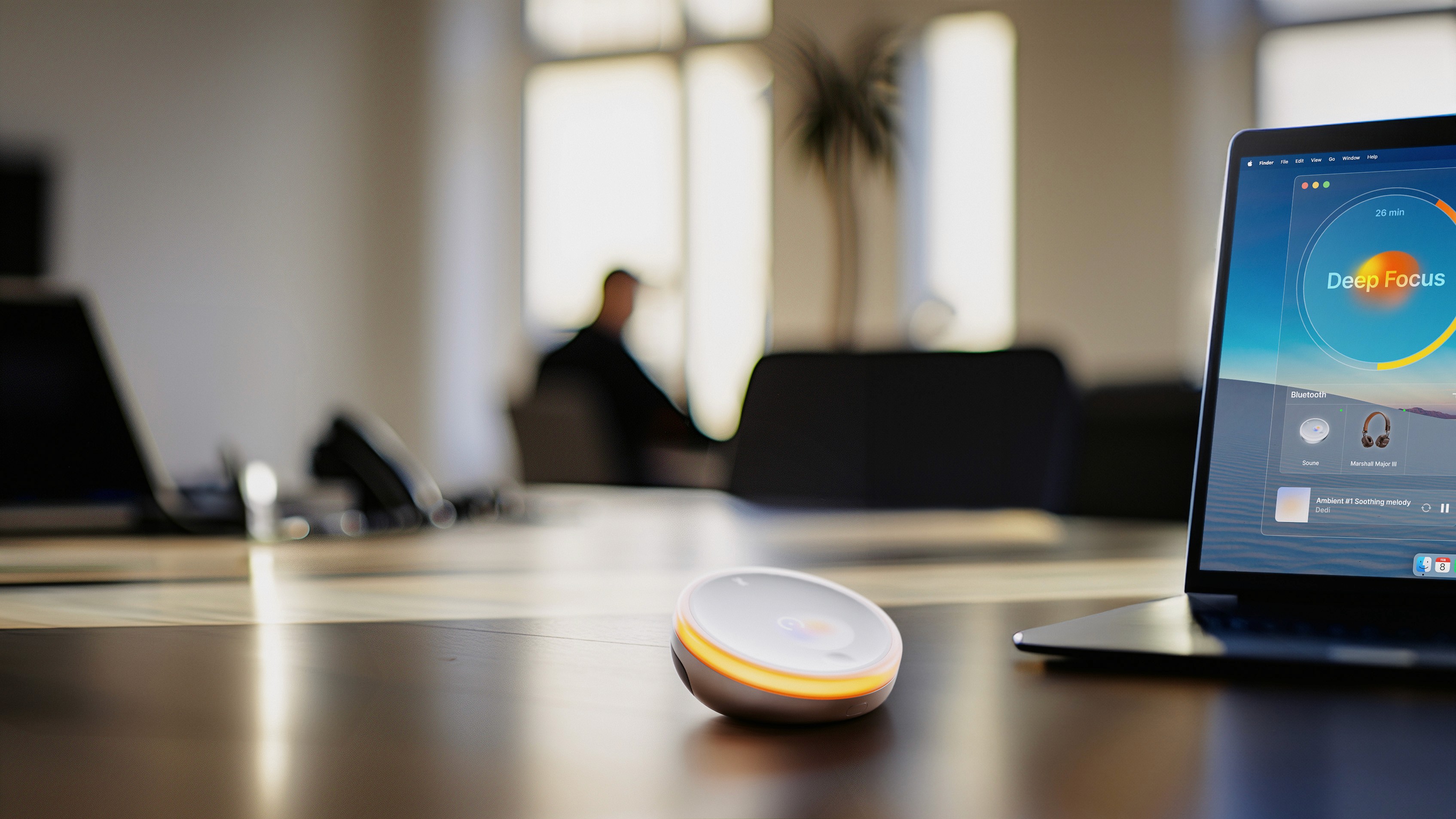
SOUNE helps you protect your focus
And make it visible to others
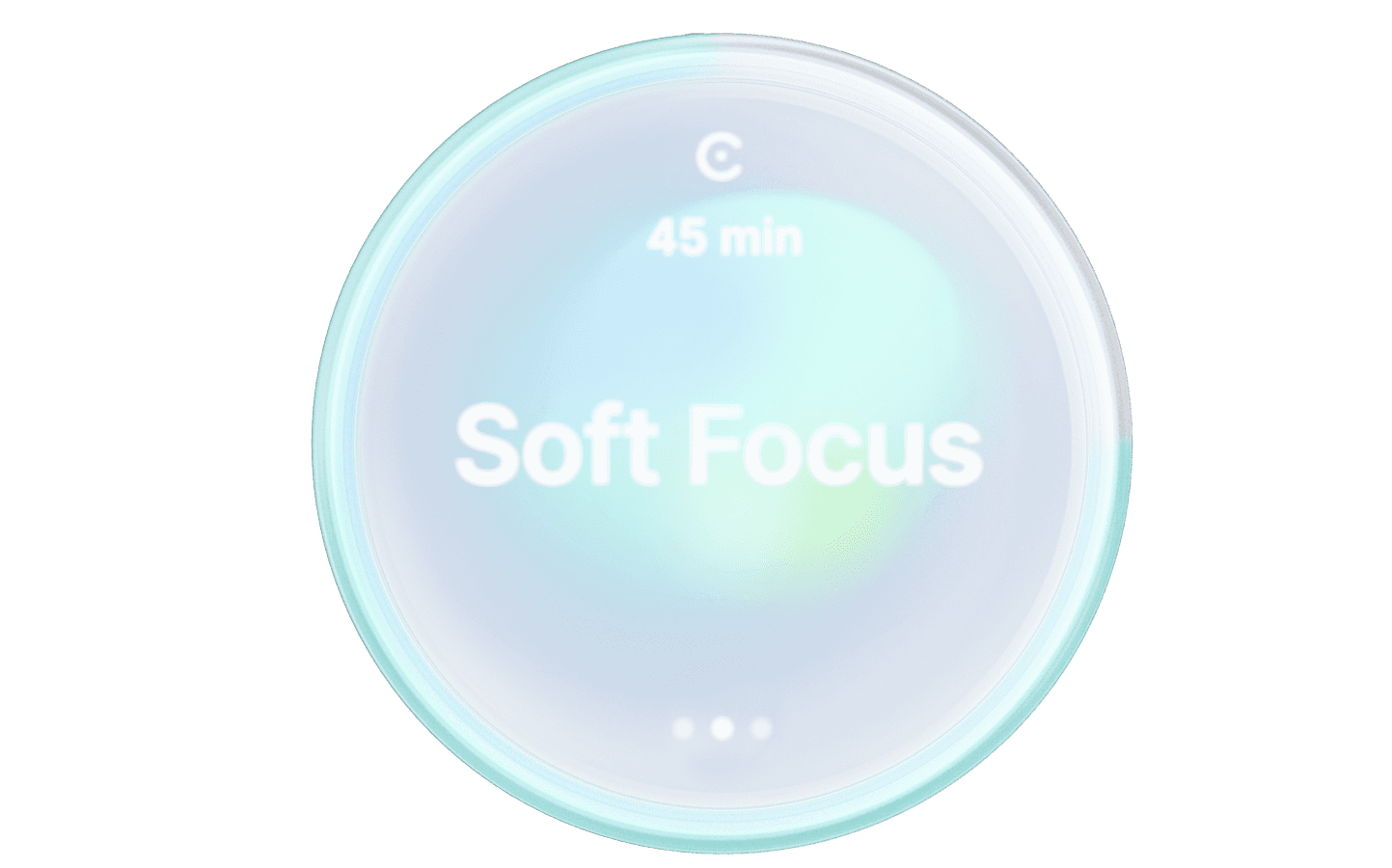
50% filter
Alpha Wave 8-12Hz
For lighter activities or when you want to have additional awareness of your surroundings
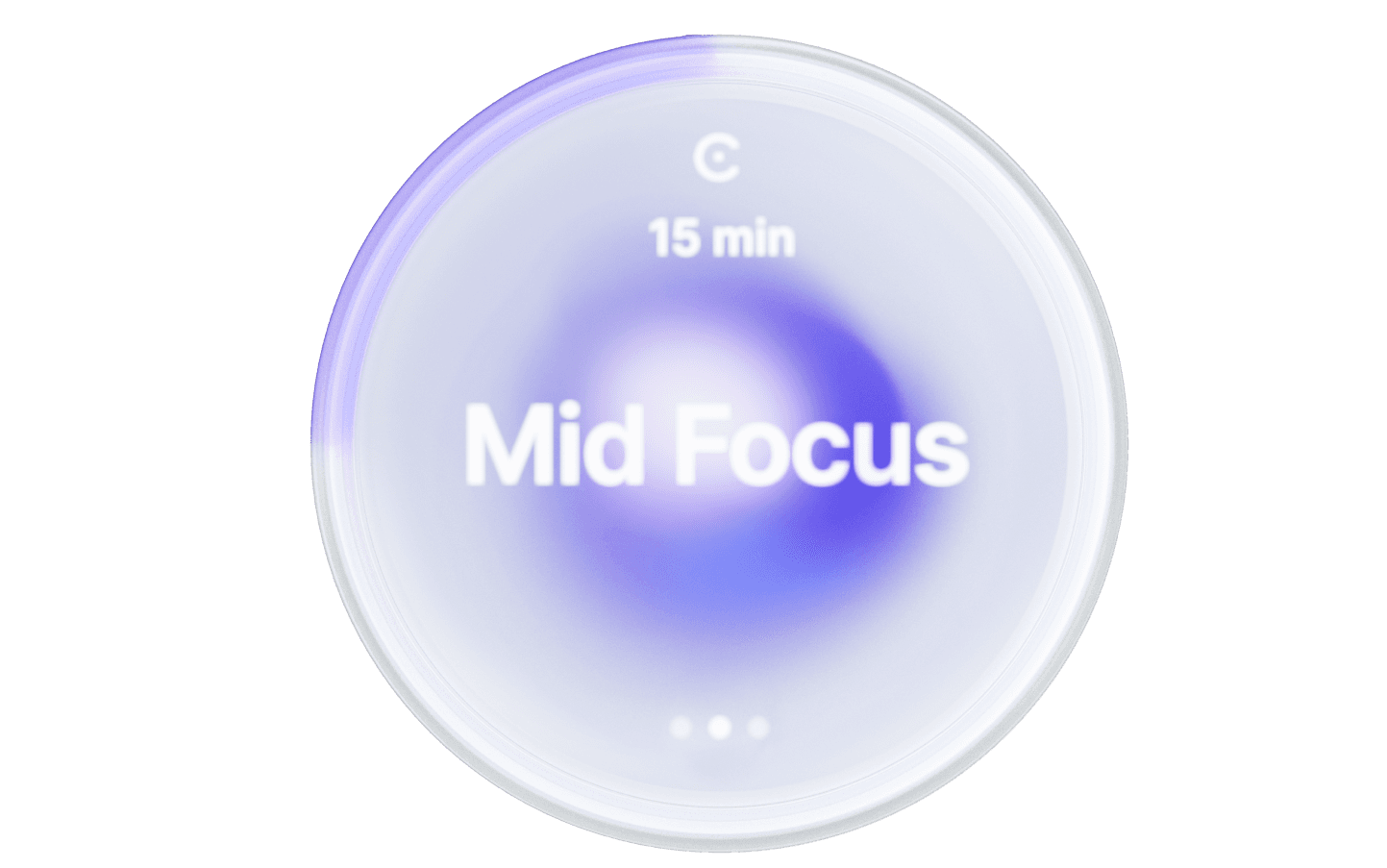
75% filter
Beta Wave 12-30Hz
For everyday activities that require an average level of focus to be performed efficiently
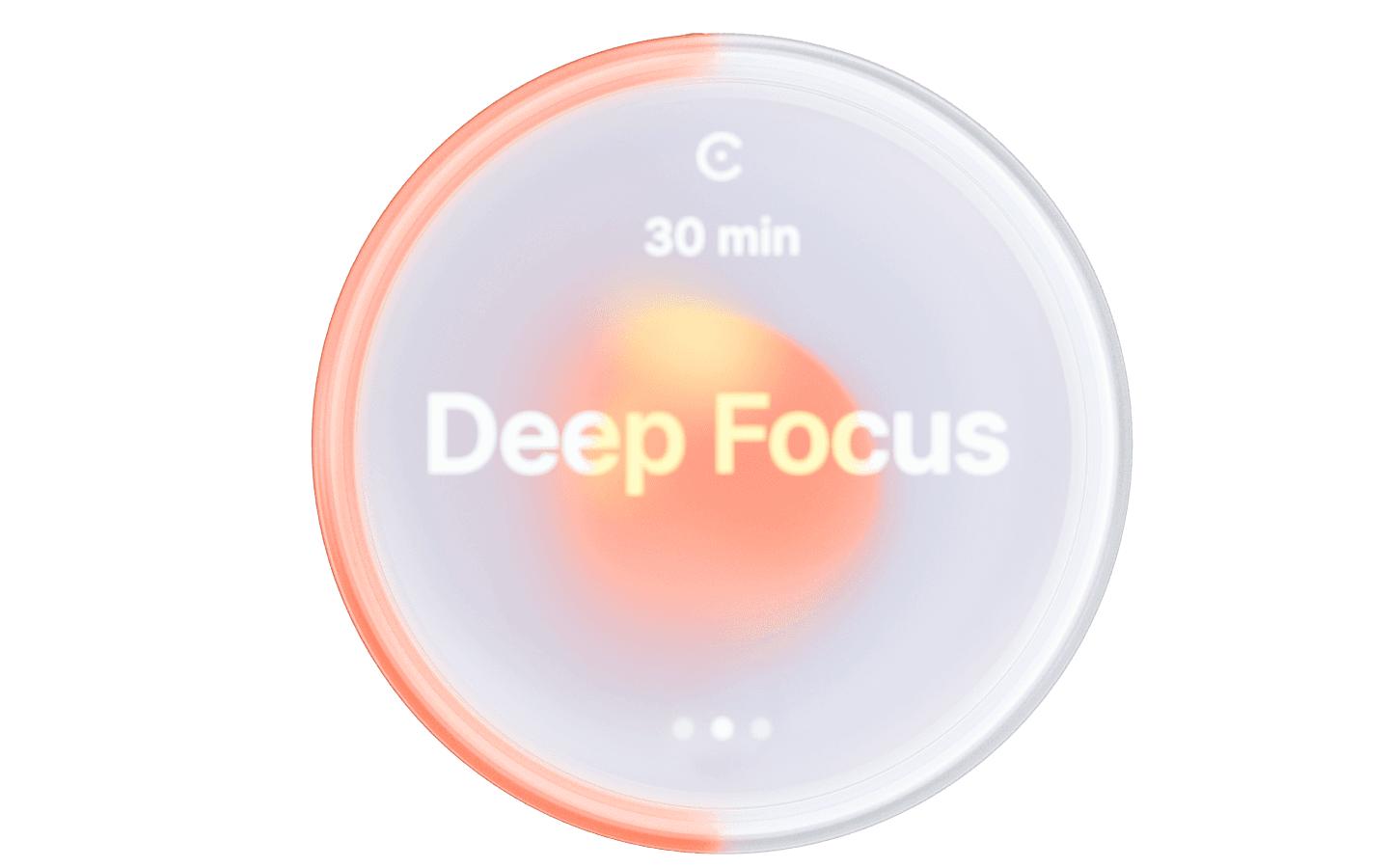
95% filter
Gamma Wave 30-100Hz
For lighter activities or when you want to have additional awareness of your surroundings
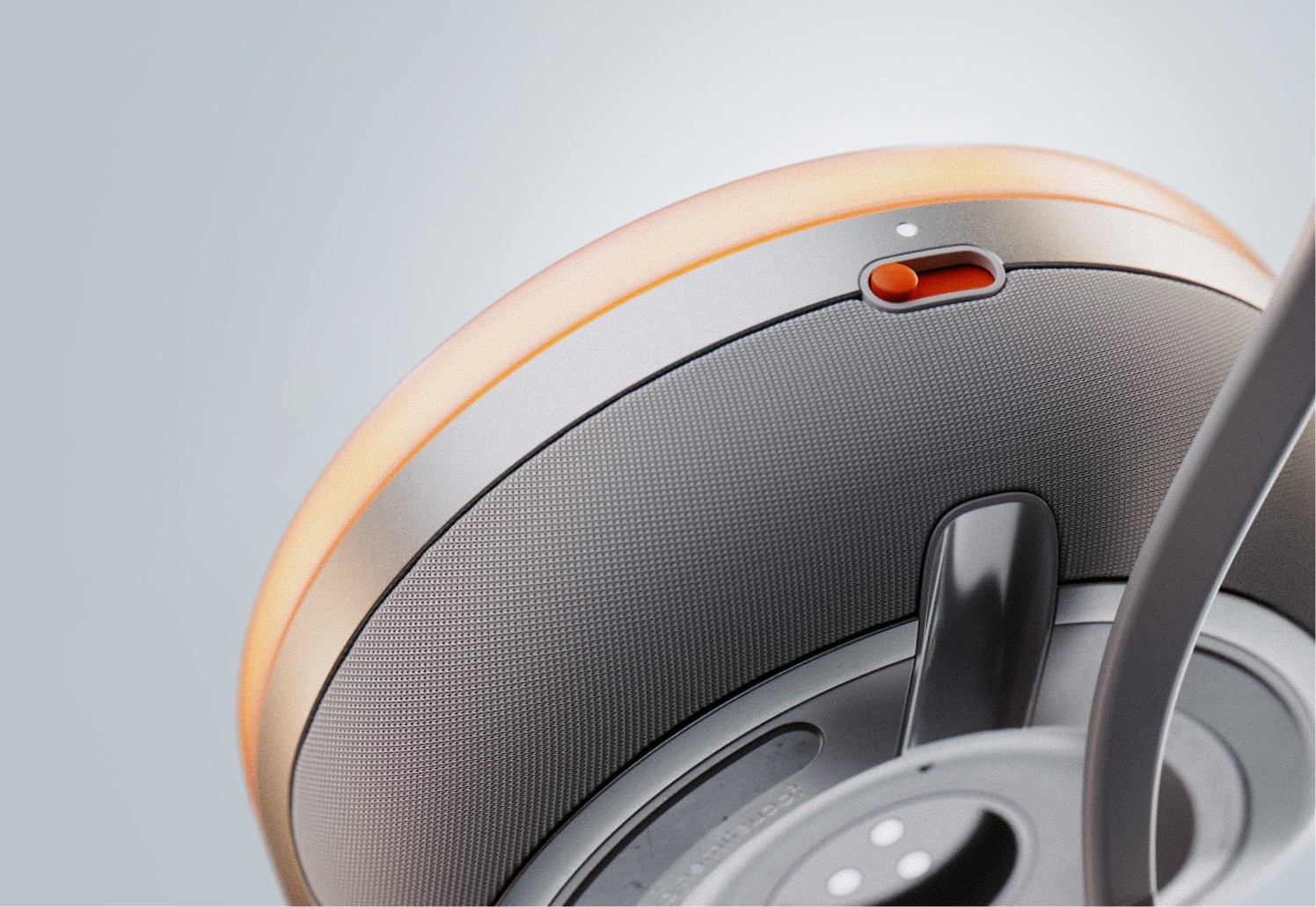
A portable solution
Designed to be used anywhere.
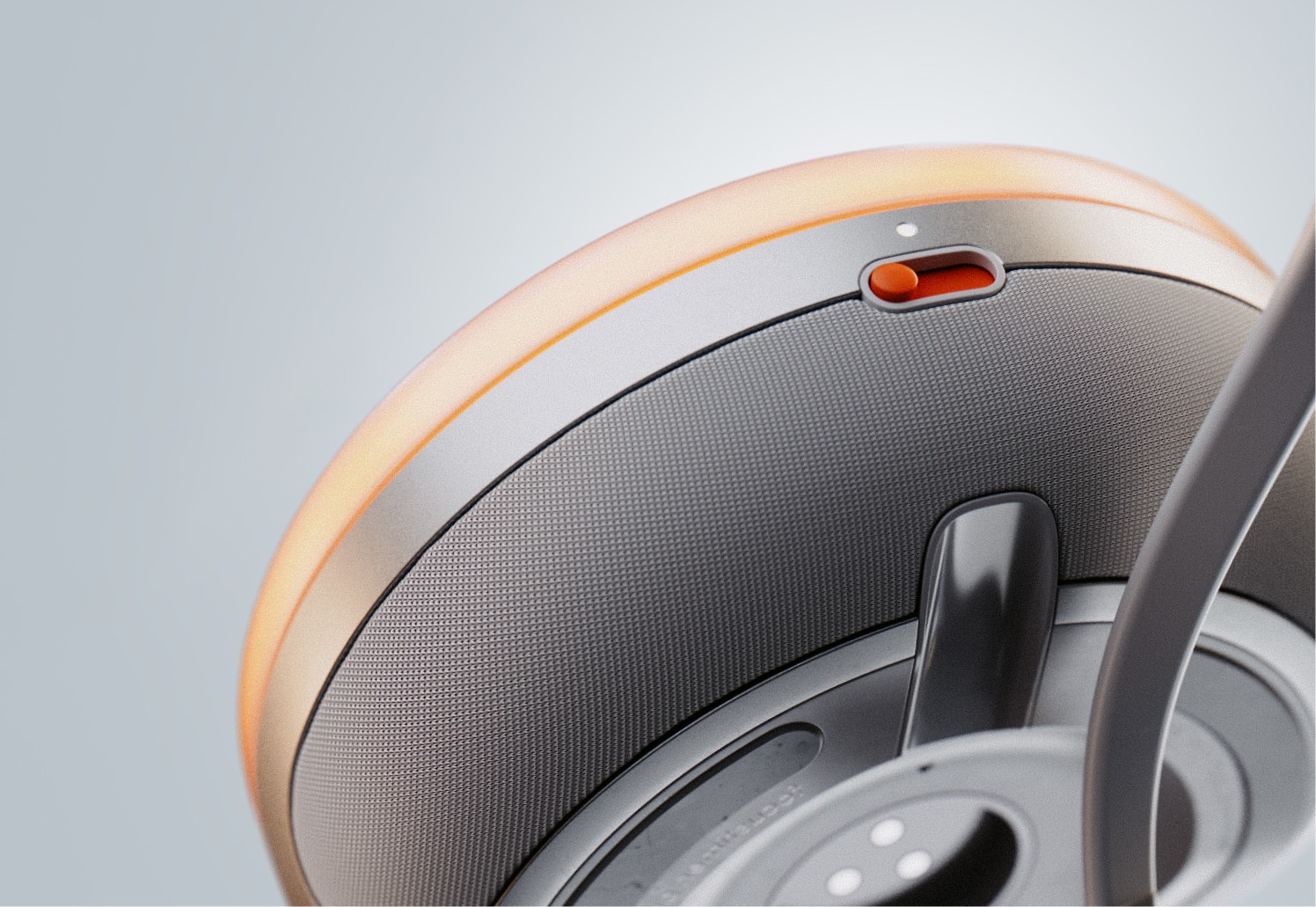

Finally, tilt to activate
With a simple intuitive gesture, the device will activate the focus mode.